
MonoBudget
Your money, clearly tracked. Without spreadsheet chaos.
- Income and fixed costs in one place
- Recurring entries are created for you
- Pro adds analytics, scenarios and Fair Split
Private lists. Clear tasks. No account required.
MonoList is a small task app for everyday lists, reminders and notes. Your data stays on your device, and every feature is free: no ads, no account and no subscription.
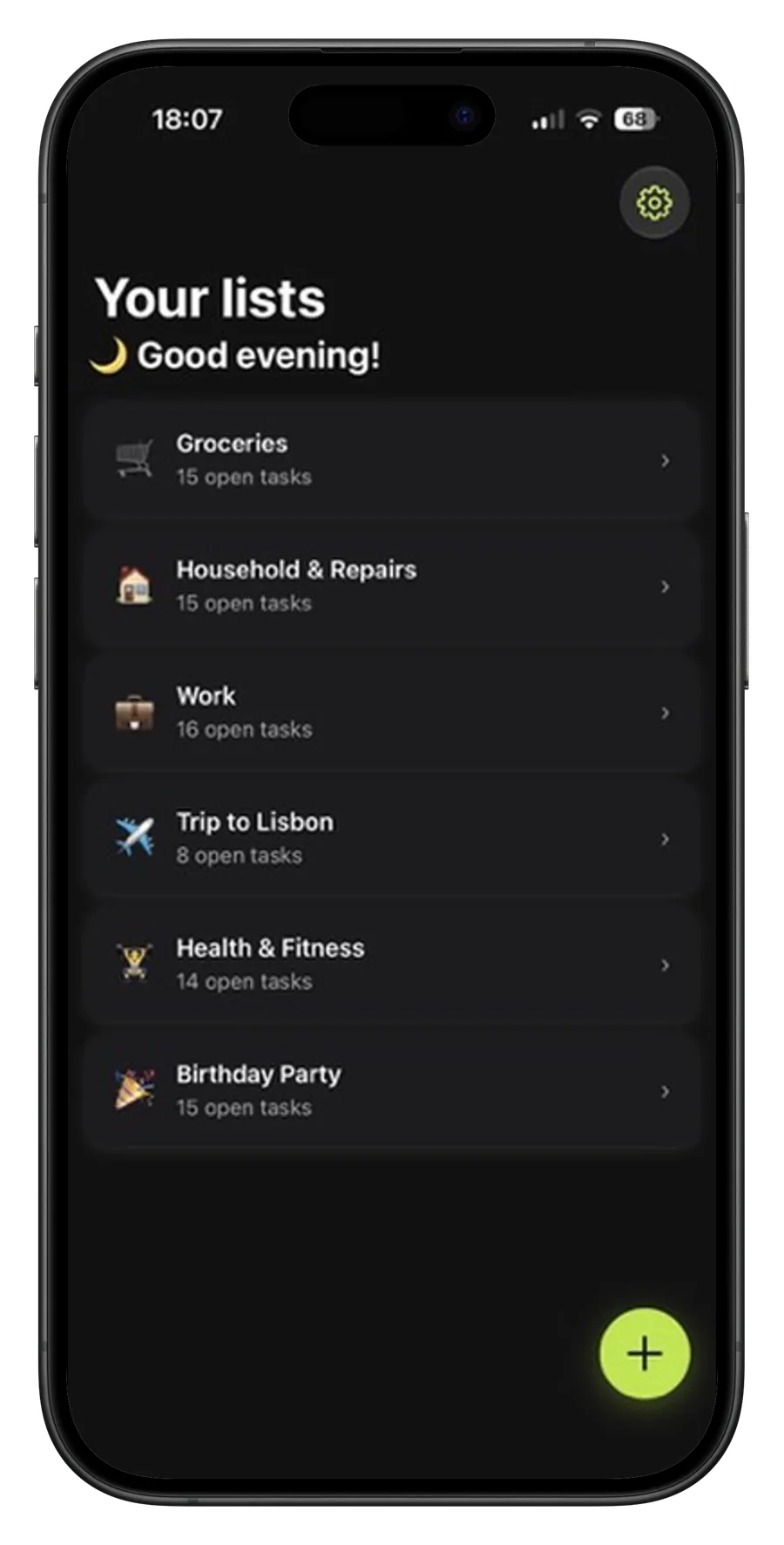
Everyday tasks end up everywhere: notes, messages, reminders, shopping scraps and memory. Full productivity systems can solve more than that, but they often bring accounts, sync setup, shared workspaces and settings you never asked for.
MonoList keeps personal lists simple: create lists, add tasks, reorder what matters, attach notes and set local reminders. Your data stays local by default, and backup/export options are explicit and user-controlled.
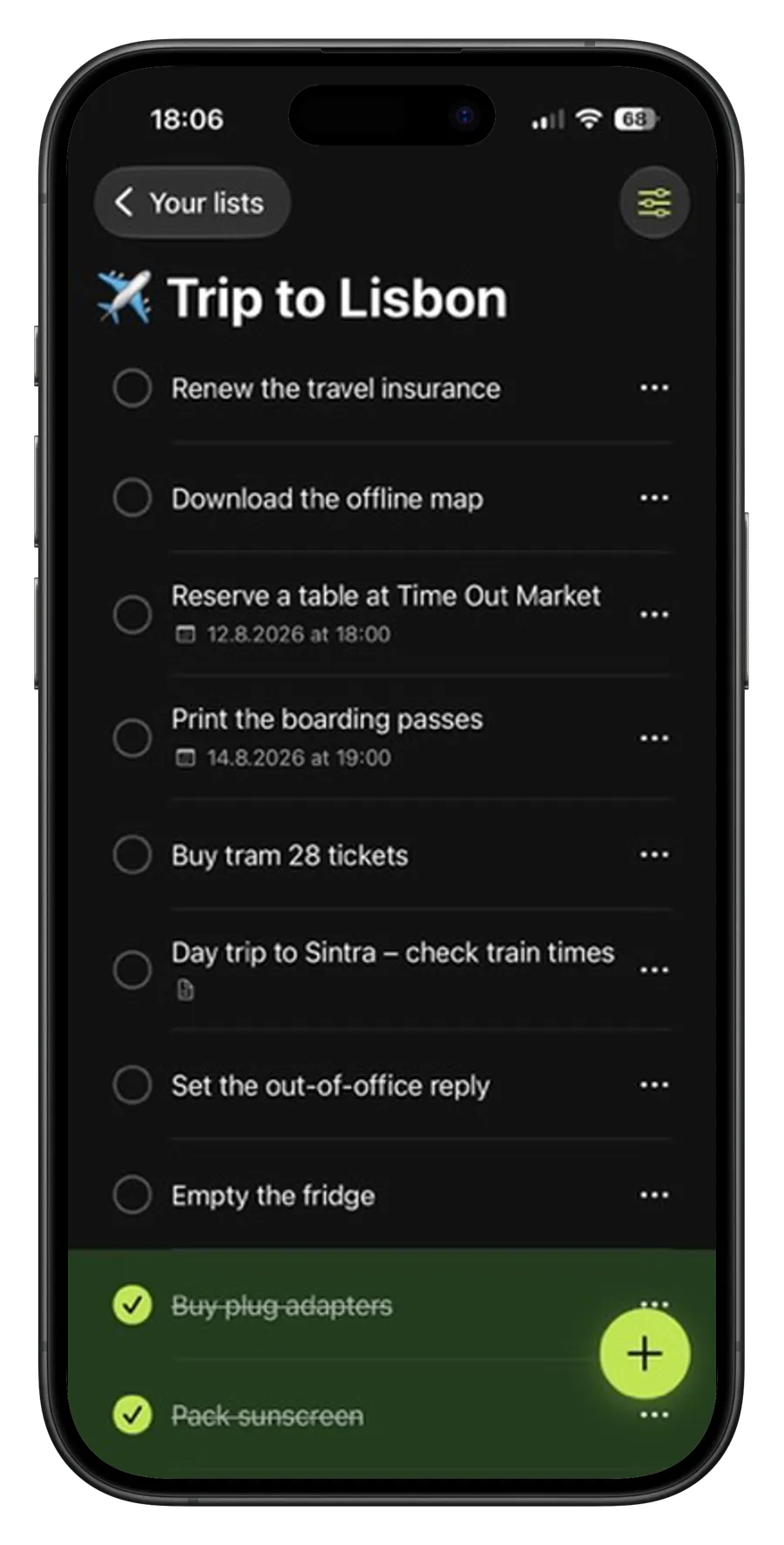
Create lists for shopping, errands, planning or anything else you want out of your head. Reorder lists and tasks with drag and drop, hide completed tasks when you want a cleaner view, and keep everything lightweight.
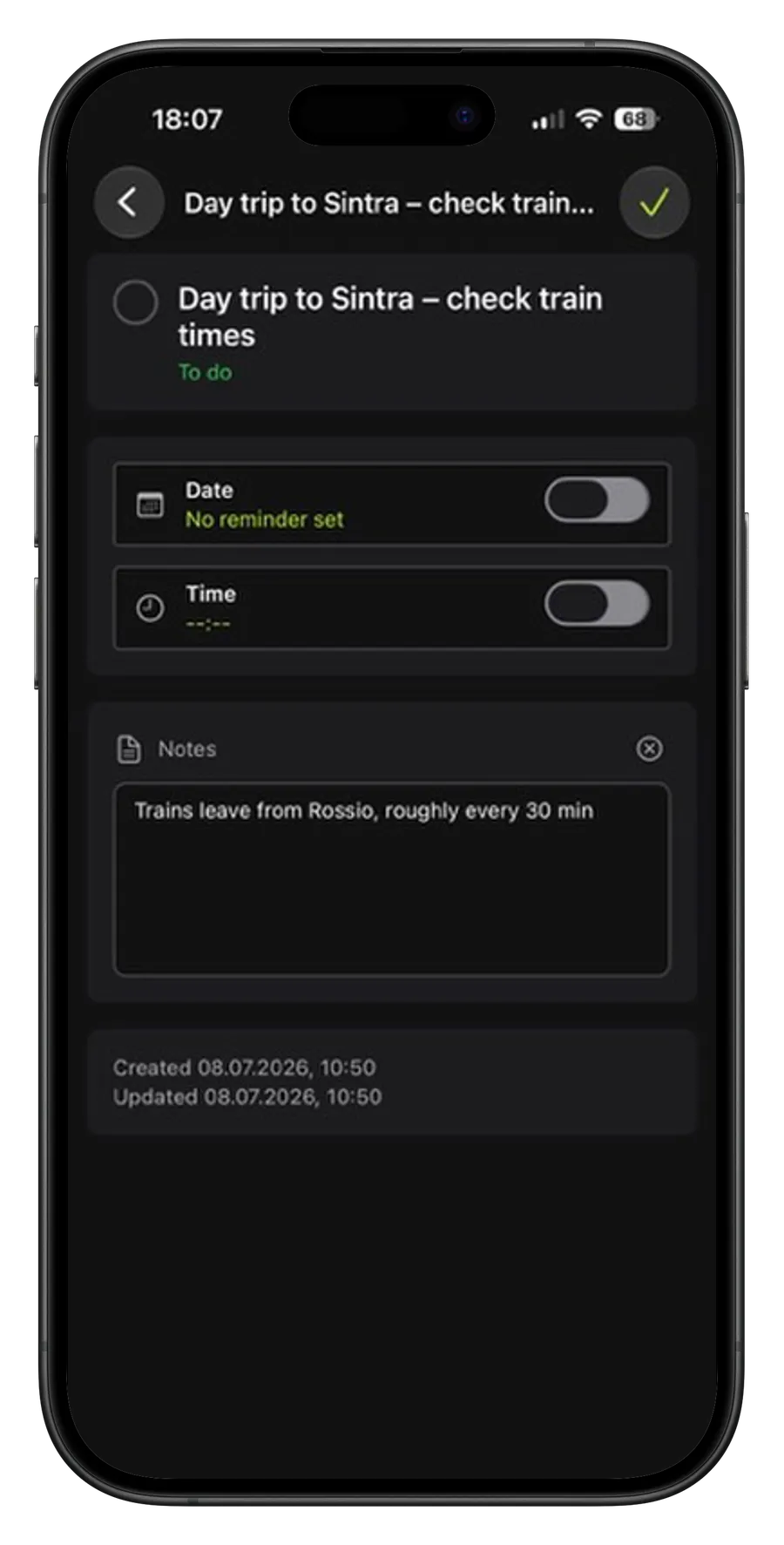
Add notes and local reminders to tasks that need more context. MonoList gives tasks enough structure to be useful without turning them into projects, boards or team workflows.
Choose from 14 colour themes across seven families, each with light and dark versions, or let MonoList switch between light and dark with your phone.
MonoList does not require a user account and does not store your task data on a MonoList server. Your lists live on your device unless you choose to export or back them up.
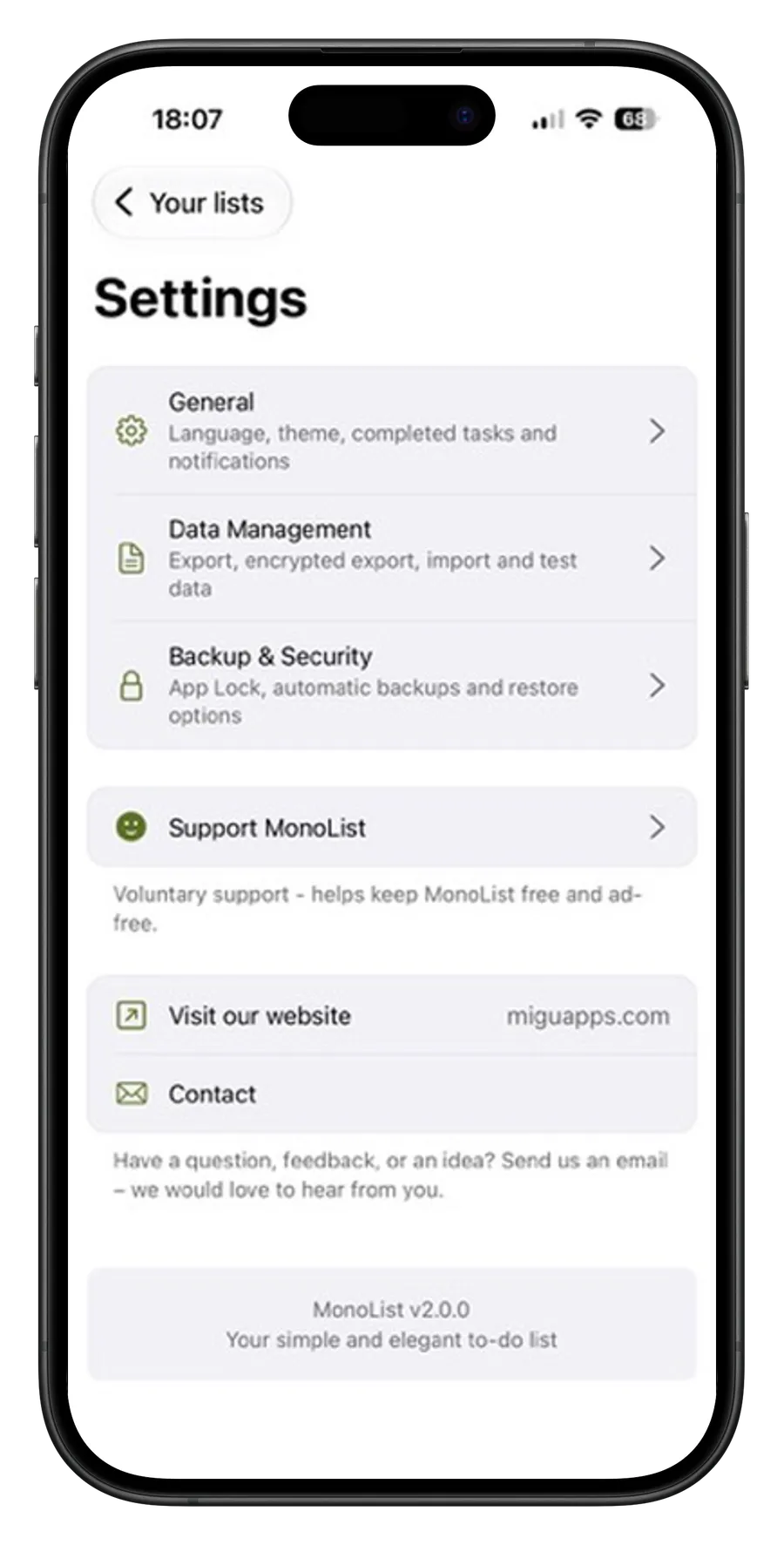
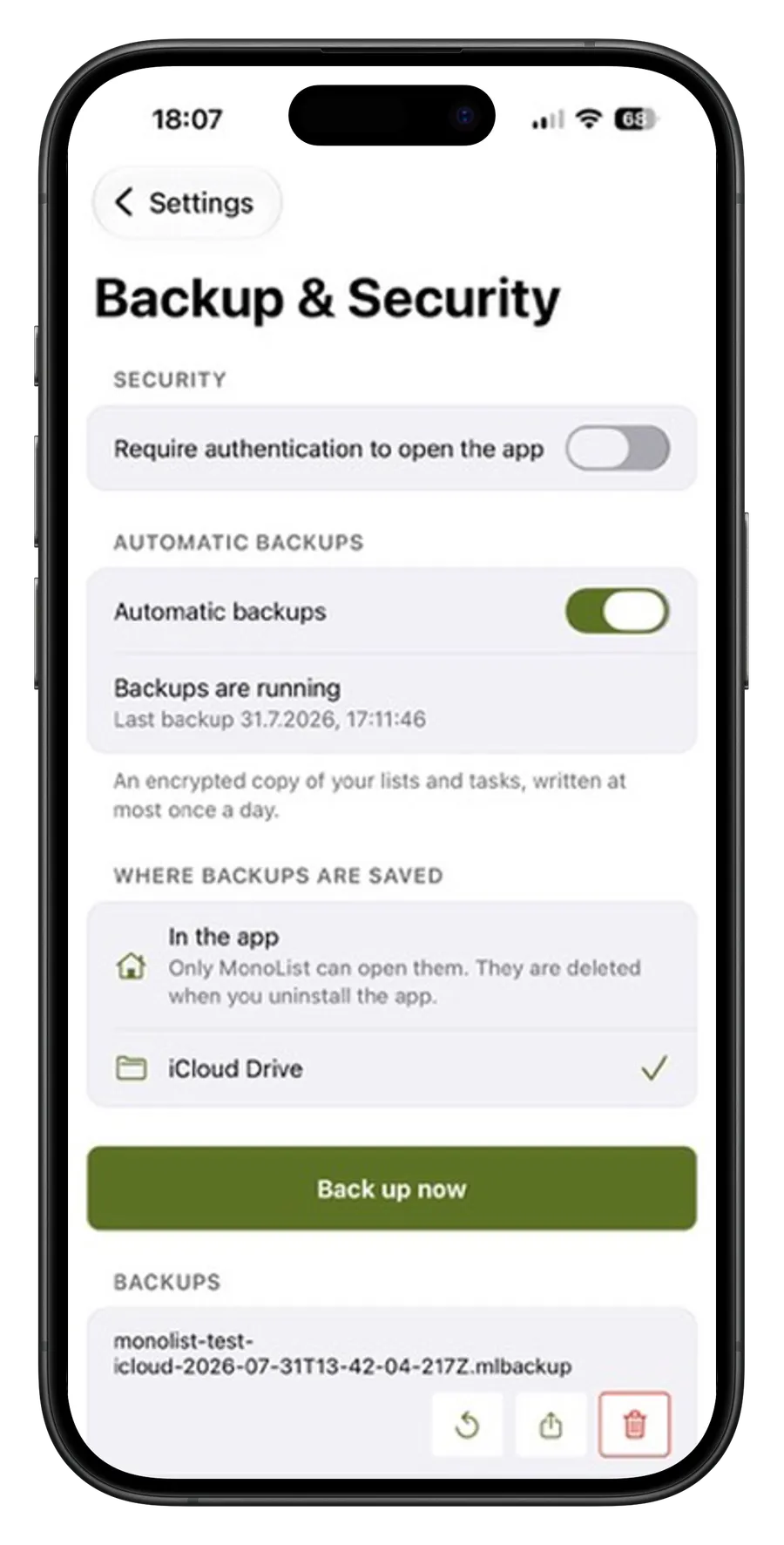
Export readable JSON, create encrypted backup files, or turn on automatic encrypted snapshots. MonoList can write one protected copy a day to your device, an Android folder you choose, or its iCloud Drive container on iOS.
The MonoList guide covers lists, tasks, reminders, backups, App Lock, and voluntary support purchases.
Read the guideUse MonoList privately on your phone, with no account setup and no ads.
MonoList is completely free. If you would like to support its development, you can do so in the app.
Your money, clearly tracked. Without spreadsheet chaos.